
Remote synth and Logic Pro setup
Connect your hardware synth to Logic Pro and get it playing properly.
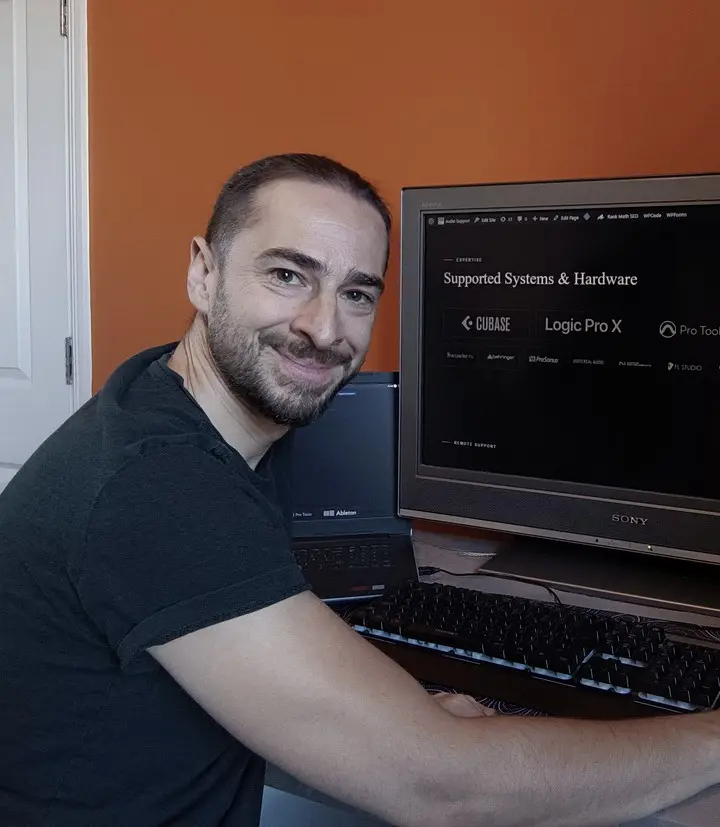
I’m Paul Andrews. I connect to your Mac remotely and sort out the MIDI, clock and monitoring between your synth and Logic Pro, then we record a part to check it works. An hour’s session is £90.
Last updated November 2026
“Paul has got all the kit working very quickly and made everything intuitive..”Jon Long, Google review · Verify on Google ↗
This is for you if
- Your synth sounds doubled when you play it through Logic
- It follows Logic’s clock but won’t play the notes Logic sends
- The arpeggiator won’t sync, or syncing starts the synth’s own sequencer
- Arpeggios record into Logic as long held notes
What happens on the call
We talk on WhatsApp and I connect to your computer with AnyDesk, so you can watch everything I do.
- I check your MIDI and audio routing while you tell me what you’re hearing.
- We set one monitoring path, so you don’t hear the synth through both your interface’s mixer and Logic.
- We set up clock in Logic’s synchronisation settings and check the MIDI channels on both ends.
- If the problem is in the synth’s firmware, we check the version and update it if it’s out of date.
- We set up an External Instrument track and save it, then record a part to prove it works.
What I’ve done this with
| DAW | Logic Pro on a Mac |
|---|---|
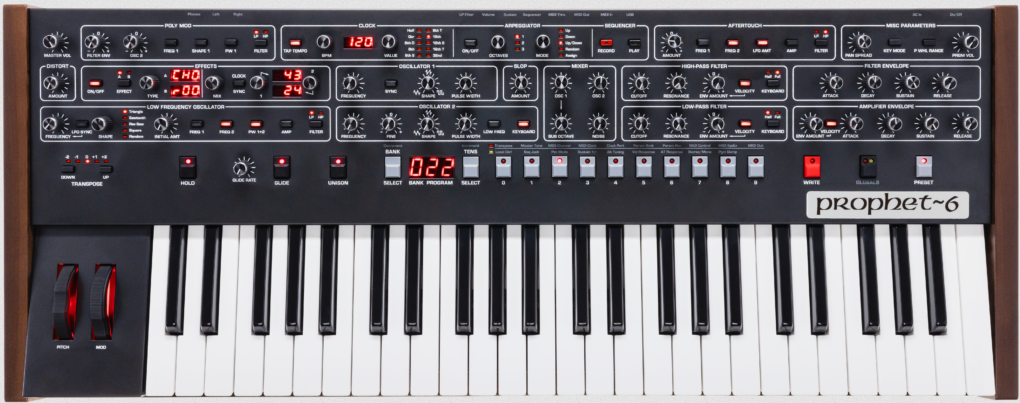
| Synths | Sequential Prophet-6, Roland TB-03 |
| Interfaces | iConnectivity mioXL for MIDI, MOTU UltraLite mk5 for audio |
Real jobs
- Prophet-6 and Logic Pro. Three separate problems, sorted in one remote session
- Roland TB-03 and Logic Pro. The synth was listening on MIDI channel 2 while Logic sent channel 1
What this doesn’t cover
This covers setup and configuration. You’ll need to connect any cables yourself, and I can talk you through it. A full hardware studio can take two or three sessions. If a unit won’t power on or is physically damaged, it needs a repair workshop. In the UK, I recommend Matt at Logarhythm.
Questions
Why does my synth sound doubled in Logic?
Usually because the audio is reaching your speakers twice, through your interface’s own mixer and through Logic. Mute the track in Logic: if you can still hear the synth, your interface is monitoring it directly.
Why does my synth follow the clock but not play notes?
The clock is getting through, so check the MIDI channel next. On one job the synth was set to channel 2 and Logic was sending on channel 1.
Why do my arpeggios record as held notes?
Logic may be recording the notes you played, before the synth arpeggiates them. On the Prophet-6, the arpeggiator only reaches MIDI Out with Local Control on, so we recorded on a separate External Instrument track with no MIDI output.
Tell me which synth you have, how it’s connected and what you’re hearing. I read every message myself, and you’ll see my available slots straight away so you can pick one.
Ready to book? See session options. Booked in your local time. Clients worldwide.