
Case ID: #8616 Log Date: MAY 2026

Focusrite Scarlett Setup: A Fix for Connection Issues

Panic Index // SESSION STOPPAGE
Technical Depth // HARDWARE
RESOLVED
Target Environment
Windows + Focusrite Scarlett 2i2
Reported Symptom
“Interface powers on but is not detected by the operating system.”

The Client’s Challenge

A client recently found himself in a particularly frustrating situation. His new Focusrite Scarlett 2i2 Anniversary Edition—the distinctive blue model—was refusing to connect to his Windows laptop. The baffling part? The power indicator on the front of the interface was clearly lit, confirming it was receiving electricity. Yet, his PC remained stubbornly unaware of its existence. He’d plugged it in, the lights were on, but the crucial digital handshake between the interface and his operating system simply wasn’t happening. For any creator, this is a maddening roadblock: the gear seems to be working, but the system is blind to it, stopping the session dead in its tracks.
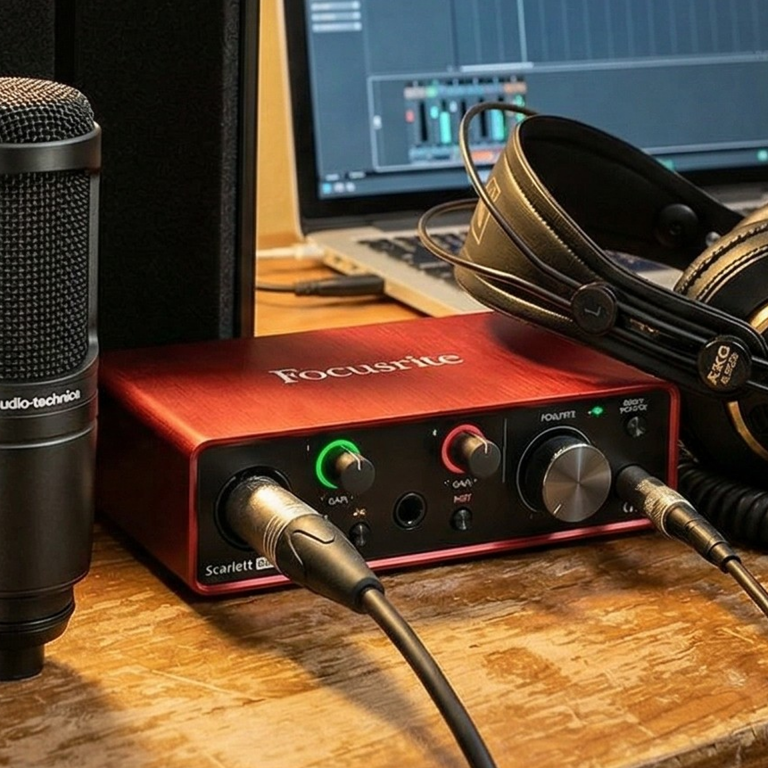
Focusrite 2i2 Studio Setup

Studio desk setup showing the Focusrite 2i2.

Diagnosis: The Case of the Two Ports

My first line of enquiry is always to rule out software. We confirmed the Focusrite drivers were installed and that no other software was conflicting, but the device was completely absent from the Windows Device Manager. This told me the problem was almost certainly physical. The client assured me the cable was connected, but my suspicion turned to the interface itself.

A quick search for the manual of this specific Anniversary Edition model revealed the culprit. Unlike older models, this unit features two physically identical USB-C ports on the back. This is a classic case of what I call ‘UI Ambiguity’—where a design choice creates a potential trap for the user.

Understanding the Dual USB-C Ports

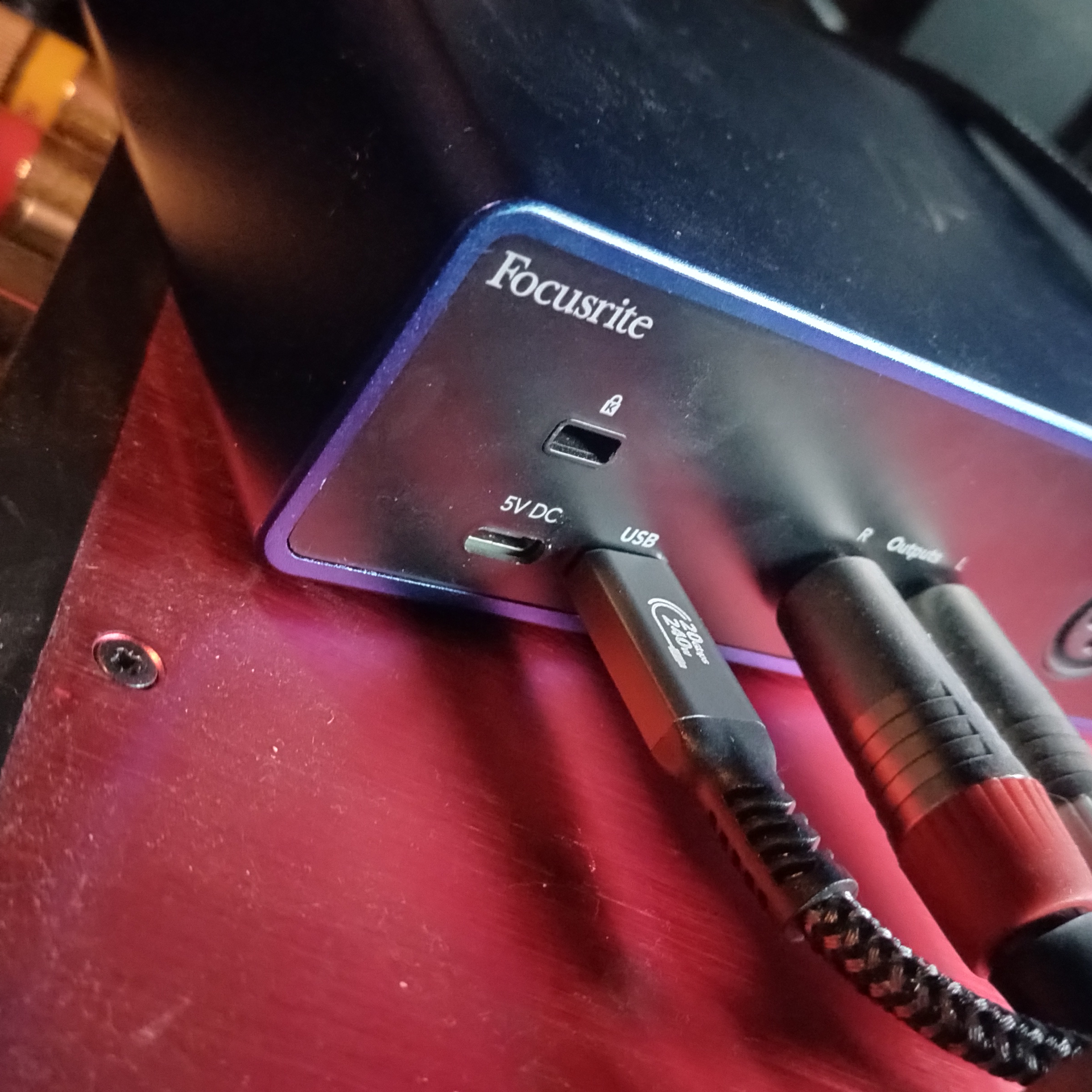
Port 1 (Data & Power): This port is marked with the standard universal USB symbol. It’s the main highway, designed to carry both the electrical power to run the interface and the digital audio data to and from your computer.

Port 2 (5V DC Power Only): This port is purely for supplementary power. Think of it as a booster pack. It’s there for edge cases, like connecting the interface to an iPad or phone that can’t provide enough juice through its own USB port. When you plug your computer’s data cable into this port, the interface powers up, but no data can flow. The lights are on, but nobody’s home.

The client, working in a dimly lit studio and reaching around the back of his desk, had inadvertently plugged the cable into the 5V DC power-only port. It’s an incredibly easy mistake to make, and one that provides the most confusing of symptoms: the appearance of a functioning device that is, for all intents and purposes, completely silent.
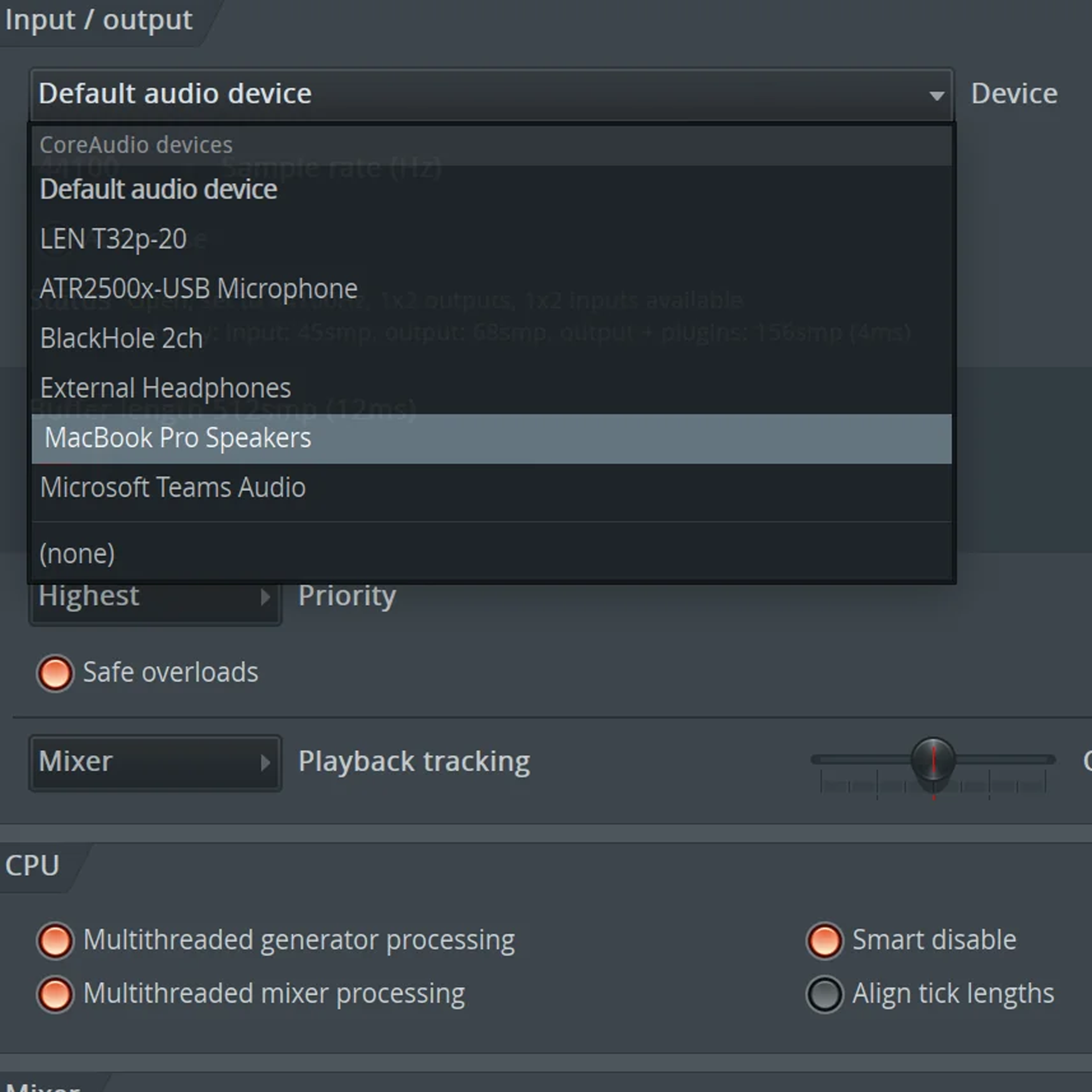
Focusrite 2i2 Studio Setup

Studio desk setup showing the Focusrite 2i2.

The Fix: The Digital Handshake

The resolution was, thankfully, immediate. By guiding the client to the correct port, the connection was established instantly. Here is the exact procedure to follow if you find yourself in the same situation.

1

Safely disconnect the USB-C cable from the back of your Focusrite interface.

2

Carefully examine the rear panel. Identify the USB-C port that is labelled with the traditional USB ‘trident’ symbol, not the one labelled ‘5V DC’.

3

Plug the USB-C cable coming from your computer securely into this correct data port.

4

Windows should immediately issue the familiar ‘device connected’ sound, and the Focusrite Scarlett 2i2 will now appear in your audio settings, ready for use.
Studio desk setup showing the Focusrite 2i2.

A Final Thought: Labelling is Liberation

This case highlights a growing trend in modern hardware design. In the quest for flexibility and a sleek aesthetic, manufacturers sometimes create these small, confusing ambiguities. For the user, especially in the creative chaos of a studio, it’s a recipe for frustration. USB-C cables, in particular, don’t always have the firmest ‘click’ when seated, making it easy to mis-plug a loose cable into an adjacent, identical-feeling port.

Never feel foolish for being caught out by something like this. The fault lies not with you, but with a design that requires a manual to understand which identical port to use. A simple tip for the future: if you have a device with multiple similar-looking ports, take a moment when you first set it up to add a small, tactile label—a dab of nail polish, a tiny sticker, or a coloured cable tie—to mark the correct ‘data’ connection. In the dark, behind a desk, your future self will thank you.

If you are seeking professional help with a Focusrite Scarlett setup issue, particularly where the device powers on but is not detected by Windows, one-on-one remote support services are available from Audio Support.

Book a session (£90)

Not sure it’s the same problem? Ask a question first

Google
Laura Forrest-Hay profile picture
Laura Forrest-Hay
Google star 1Google star 2Google star 3Google star 4Google star 5Trustindex verifies that the original source of the review is Google.
Paul reinstalled all my lost sample libraries, streamlined the storage on my computer so it works faster and fixed my corrupted disk. it took us a couple of sessions and he was friendly and patient throughout. He never made me feel stupid and never over-explained stuff I already knew - in fact he boosted my confidence. Would highly recommend. I've put him on speed dial!
Google
MrMattkitt profile picture
MrMattkitt
Google star 1Google star 2Google star 3Google star 4Google star 5Trustindex verifies that the original source of the review is Google.
Paul was brilliant, listened to the issues I had on Cubase and my home studio, worked methodically through potential problems and sorted everything. Amazing service, down to earth and explained everything so I could understand. I am a very happy song writer once again thanks to Paul! Will be using Paul again in the future and highly recommend. Thanks Paul.
Google
Ciarán Hanna profile picture
Ciarán Hanna
Google star 1Google star 2Google star 3Google star 4Google star 5Trustindex verifies that the original source of the review is Google.
Honestly, if you're in any way stuck in a creative block because of the gear you have, you've more questions than answers about what the best setup should be for your flow, or even if you have very nuanced problems in your DAW/with your gear, the service Paul provides is second to none. Besides being an extremely nice guy, he knows his stuff and takes the time to understand what you want to get out of each session and makes sure all is good to go! Can't recommend him enough!
Google
Trudie Brogan profile picture
Trudie Brogan
Google star 1Google star 2Google star 3Google star 4Google star 5Trustindex verifies that the original source of the review is Google.
Really great service. Paul is so knowledgeable and I learned so much. Totally recommend.
Google
Cottin Ulysse profile picture
Cottin Ulysse
Google star 1Google star 2Google star 3Google star 4Google star 5Trustindex verifies that the original source of the review is Google.
Paul was fantastic, he solved my problem in less than 30mn, and he is a lovely guy. I really recommend him.
Google
Justin Bikram profile picture
Justin Bikram
Google star 1Google star 2Google star 3Google star 4Google star 5Trustindex verifies that the original source of the review is Google.
Paul provided as stellar service, worth every penny. I came to him with a genuine issue that was affecting my Logic Pro 11 album project regarding drums and midi maps and he solved my problem most efficiently. He was patient, courteous, quick thinking and highly knowledgeable. I will certainly consider using the service again and thoroughly recommend Audio Support - Thank you Paul - you are a star :)
Google
josh fulford profile picture
josh fulford
Google star 1Google star 2Google star 3Google star 4Google star 5Trustindex verifies that the original source of the review is Google.
Working in Reaper. Super knowledgeable, friendly, speaks in easy to understand terms. Paul is helping us DAW newbies get in the game. Paul got my lost plugin files working again as well as showed me how to find missing wave files for projects that were loading incorrectly. Keep this man on speed dial.
Google
Richard Grant profile picture
Richard Grant
Google star 1Google star 2Google star 3Google star 4Google star 5Trustindex verifies that the original source of the review is Google.
Paul fixed in around half an hour some midi keyboard/controller problems I have been trying to solve but have had to live with for around two years! He is very knowledgeable and patient and the Any Desk link worked perfectly. I wish I had found his website sooner and wouldn't hesitate to call on his services again. Rick Grant
Google
Paul B profile picture
Paul B
Google star 1Google star 2Google star 3Google star 4Google star 5Trustindex verifies that the original source of the review is Google.
Paul was excellent in helping me diagnose and resolve a problem I had on Logic Pro 12 file issues
Google
William Schrul profile picture
William Schrul
Google star 1Google star 2Google star 3Google star 4Google star 5Trustindex verifies that the original source of the review is Google.
Paul really helped get my Cubase up and running again. He really knows his stuff, and I'll definitely look him up again when I'm stuck. Thanks!!!
