
Audio routing & interface setup
Get your interface, mixer and DAW working together.
I’m Paul Andrews, a sound engineer with 20 years of studio work. No sound, no input, a mixer your DAW can’t see, or monitoring that doubles and delays: I sort it with you in a remote session, on Mac or Windows. Sessions are £90 an hour.
Last updated November 2026
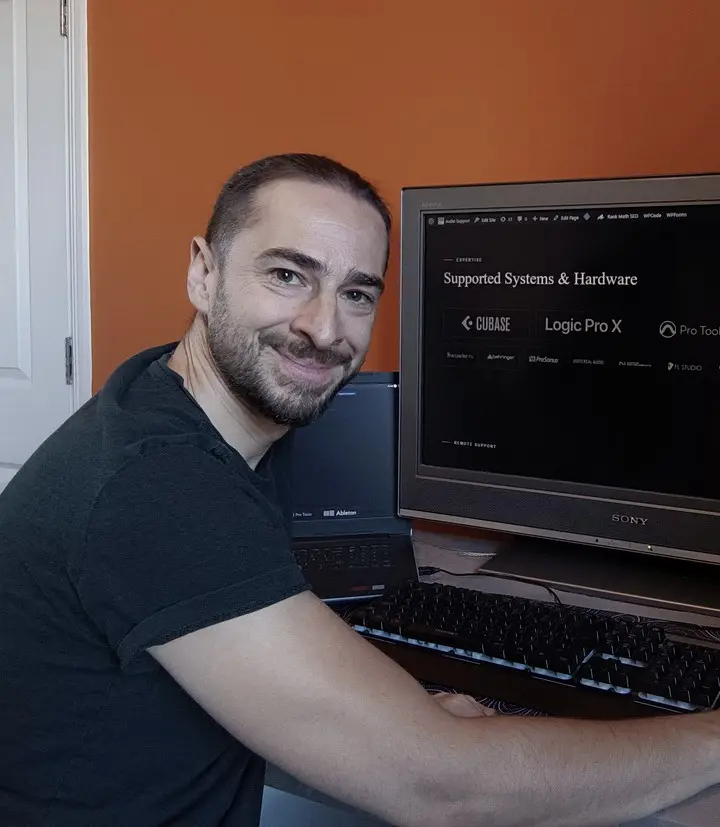
“I couldn’t connect my Zoom R24 to Cubase which was very frustrating until I came to Audio Support for help. Not only did Paul manage to solve the problem but he was able to offer really great advice on how to use Cubase with my iPad so I can record with my synth apps.”Fergal Joseph O’Neill, Google review · Verify on Google ↗
How a session works
Most studio problems aren’t broken equipment. They’re a driver, a setting or a routing choice sitting between your gear and your software.
- We connectI connect to your computer over AnyDesk while we talk on WhatsApp, Zoom or Google Meet. You watch everything I do, and I explain it as I go.
- I set up the signal pathI check the drivers and firmware, set up inputs, outputs and buffer size, route signals the way you actually work, and sort out monitoring so you hear yourself cleanly.
- It stays workingBefore we finish, I save the setup so it survives the next restart.
Most routing and interface problems are solved within a single one-hour session.
Who it’s for
Musicians, producers and composers with a home or project studio. Typical problems I fix:
- The interface is connected but the DAW plays or records nothing
- A USB mic or mixer isn’t recognised, or only records two channels
- Sending audio to extra outputs, such as outputs 3 and 4 for headphones or a second pair of speakers
- The interface stops working after a sample rate or clock change
- Routing a mixer, pedalboard or outboard gear in and out of the DAW
- Hearing yourself twice, or late, when you record
- A backing track bleeding into your vocal recording
- Getting your interface working with Zoom, OBS or streaming software
- Static, hum or noise that appeared after a change
I work with Logic Pro, Cubase, Pro Tools, Ableton Live, FL Studio, Reaper and Cakewalk, and with interfaces from Focusrite, Universal Audio, Audient, SSL and others.
Recognise one of these?
Tell me what’s happening →What this doesn’t cover
This service covers setup and configuration. If a unit won’t power on, has physical damage or a failed component, it needs a repair workshop. For that I recommend Matt at Logarhythm, who handles the hardware repairs featured on this site. I don’t set up home hi-fi, TV or record-deck systems.
In London or Bromley? I can come to your studio.
Solved cases
351 solved cases in the archive.
Questions
Do you work on Mac and Windows?
Yes. I work on both, with Logic Pro, Cubase, Ableton Live, Pro Tools, FL Studio, Reaper and Cakewalk.
Is remote access safe?
Yes. AnyDesk only connects when you accept it, you can see everything I do, and you can end the connection at any time. I don’t leave unattended access on your computer. My remote access policy has the details.
How soon can you help?
I work Monday to Friday, 10:00 to 18:00 UK time, and the booking page shows my free slots in your own time zone. If those hours don’t suit you, message me and I’ll try to fit you in early or late. Same-day emergency sessions can be arranged by WhatsApp.
What if it isn’t fixed in an hour?
Most routing and interface problems are solved within a single one-hour session. If yours needs more time, I’ll tell you during the call and we’ll agree what to do. You’ll never be charged for time you didn’t agree to.
What should I have ready?
AnyDesk installed, WhatsApp on your phone, and your interface, speakers or headphones connected and switched on. It helps to know your interface’s model name.
Why is there no sound from my interface in my DAW?
Usually the DAW is set to the wrong audio device, the outputs aren’t routed to the ones your speakers are plugged into, or a driver is missing or out of date. I check each of those in turn until you can hear it.
Tell me your interface, your DAW and what’s happening. I read every message myself, and you’ll see my available slots straight away so you can pick one.
Ready to book? See session options. Booked in your local time. Clients worldwide.