Remote sample library moves
Move your sample libraries to the right drive and keep them working.
I’m Paul Andrews. I connect to your computer remotely, move your sample libraries with you, point your software at the new location and check they load in your DAW. An hour’s session is £90.
Last updated November 2026
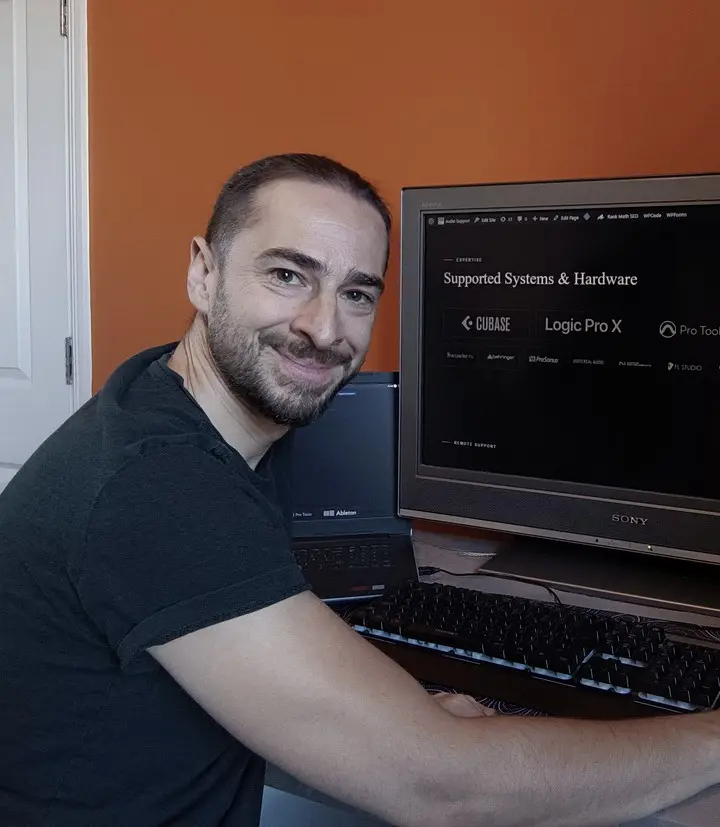

“Paul reinstalled all my lost sample libraries, streamlined the storage on my computer so it works faster and fixed my corrupted disk.”Laura Forrest-Hay, Google review · Verify on Google ↗
This is for you if
- Your libraries are sitting in OneDrive or another cloud folder, and you’re getting errors
- Your system drive is full of sample content
- Libraries have gone missing or show as needing repair after a move
- You’ve bought an SSD and want to move your libraries safely
What happens on the call
We talk on WhatsApp and I connect to your computer with AnyDesk, so you can watch everything I do.
- We find where everything is and how much space it takes.
- We choose a suitable local drive and move the libraries.
- I use Native Access’s relocate feature, or the library’s own settings, to point to the new location.
- We open the instruments in your DAW to check they load.
- I show you why it went wrong, so you can look after it yourself.
What I’ve done this with
| DAWs | Cubase and Logic Pro |
|---|---|
| Libraries | Spitfire Audio, Best Service and Native Instruments Kontakt libraries |
| Largest move written up | 130 GB out of OneDrive and onto an SSD |
Real jobs
- Sample libraries running from OneDrive. Moved to an SSD and relocated, which also stopped the OneDrive full messages
- Kontakt libraries showing Repair in Native Access. A loose adaptor on the cable to the SSD after a library move
What this doesn’t cover
I can’t promise to recover data that’s gone, but I can tell you either way. If a drive has failed physically, it needs a specialist. Moving a whole studio to a new computer is a studio migration.
Questions
Can I run sample libraries from OneDrive?
I wouldn’t. OneDrive moves files on and off the computer automatically, so a library run from it will almost certainly give you errors.
Why does Native Access keep asking me to repair a library on an external drive?
It can mean Native Access is losing its connection to the drive. On one job the cause was a loose USB adaptor, and a proper USB-C cable stopped the warnings.
Will I have to download everything again?
Often not. If the files are intact, they can usually be moved and relocated.
Tell me your DAW, your computer and where your libraries are now. I read every message myself, and you’ll see my available slots straight away so you can pick one.
Ready to book? See session options. Booked in your local time. Clients worldwide.