
Computer migration & upgrades
Move your studio to a new computer without breaking it.
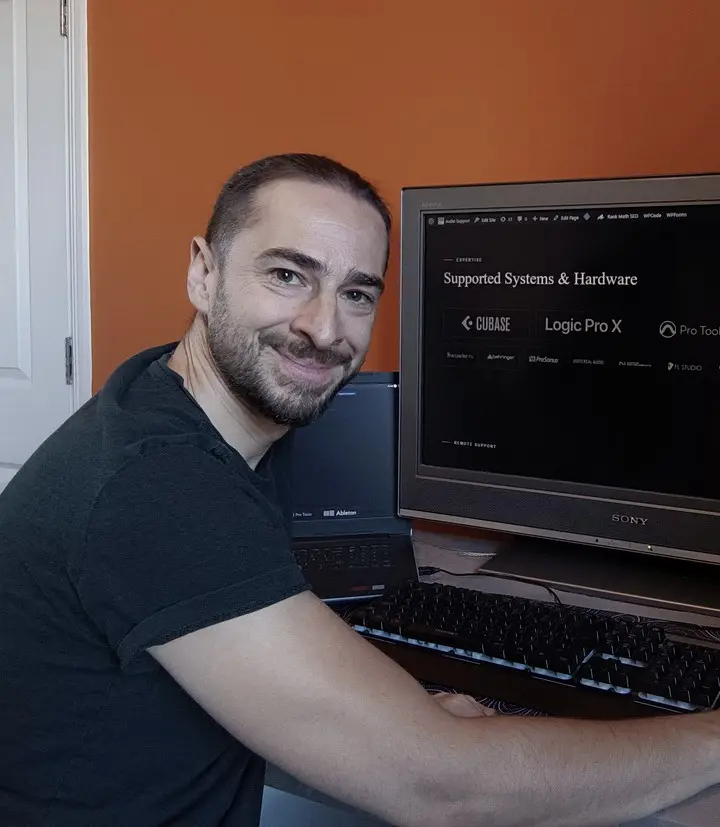
I’m Paul Andrews, a sound engineer with 20 years of studio work. I move your projects, plugins, licences and sample libraries to a new Mac or PC, set them up cleanly and check everything before your old machine goes. Sessions are £90 an hour.
Last updated November 2026
“got my studio swapped to my new PC without issues”d 40, Google review · Verify on Google ↗
Common jobs I help with
How a session works
Copying everything across with Migration Assistant, or restoring a backup, feels safest. For a music studio it often isn’t: old plugin versions, leftover drivers and broken file paths come along too, and the new machine inherits the old one’s problems.
- We plan the moveOver AnyDesk, with a call on WhatsApp, Zoom or Google Meet, we plan the move and gather your licences.
- I set up the new computer cleanlyI install your DAW and current versions of your plugins, relocate your sample libraries, and bring across only what you need.
- We check your projectsI open your projects on the new machine to check nothing is missing, before the old one is wiped or sold.
A typical move takes two to three sessions, depending on how many plugins and libraries you have.
Who it’s for
Anyone changing the computer their music depends on. Typical jobs:
- Moving from an Intel Mac to Apple Silicon, or from an old PC to a new one
- Upgrading macOS or Windows without losing plugins or drivers, including on an older Intel Mac
- Moving iLok, Native Instruments and other licences to the new machine
- Old VST2 plugins missing after moving to a newer version of Cubase
- Plugins or libraries missing after a Migration Assistant copy or a restored backup
- Moving sample libraries to an external SSD
- Choosing a new computer that suits your DAW and interface before you buy
I work with Logic Pro, Cubase, Pro Tools, Ableton Live, FL Studio, Reaper and Cakewalk, on Mac and Windows.
Planning a move?
Tell me what’s happening →Prefer to do it yourself? My step-by-step guides cover the same method:
What this doesn’t cover
This service moves a working studio to a new machine. If projects on the old machine already open with missing files, we start with DAW Project Rescue. If the old computer has failed physically, it needs a repair workshop. In the UK, I recommend Matt at Logarhythm, who handles the hardware repairs featured on this site.
In London or Bromley? I can come to your studio.
Solved cases
351 solved cases in the archive.
Questions
Do you work on Mac and Windows?
Yes. I work on both, with Logic Pro, Cubase, Ableton Live, Pro Tools, FL Studio, Reaper and Cakewalk.
Is remote access safe?
Yes. AnyDesk only connects when you accept it, you can see everything I do, and you can end the connection at any time. I don’t leave unattended access on your computer. My remote access policy has the details.
How soon can you help?
I work Monday to Friday, 10:00 to 18:00 UK time, and the booking page shows my free slots in your own time zone. If those hours don’t suit you, message me and I’ll try to fit you in early or late. Same-day emergency sessions can be arranged by WhatsApp.
What if it takes longer than planned?
Most moves take two to three sessions. If yours needs more time, I’ll tell you during the call and we’ll agree what to do. You’ll never be charged for time you didn’t agree to. Fixed prices for small and standard moves are on my How it works page.
What should I have ready?
Both computers switched on and online, AnyDesk installed on each, WhatsApp on your phone, and your logins for iLok, Native Access and your other plugin accounts.
Can I just use Migration Assistant or a backup?
For a pro audio setup, I almost never recommend it. Even on a simple Logic Pro setup that only uses the stock plugins, Migration Assistant can bring across corrupted preference files. Restoring a backup is worse: it brings across preference files that aren’t set up for your new system. I set the new computer up cleanly instead and bring across what you need.
Should I talk to you before I buy the new computer?
It isn’t essential, but I’m very happy to. Many professional clients book a session to go through the specs with me, or to make the purchase together, so they get a second opinion before they spend. Sometimes I spot where you could save money, and sometimes where spending a little more now will make a real difference later. For a Windows PC the configuration matters even more, so I’d recommend it, and I can tell you where my clients have bought well-built machines and had good service.
Tell me what you’re moving from and to, your DAW, and roughly how many plugins and libraries you use. I read every message myself, and you’ll see my available slots straight away so you can pick one.
Ready to book? See session options. Booked in your local time. Clients worldwide.