
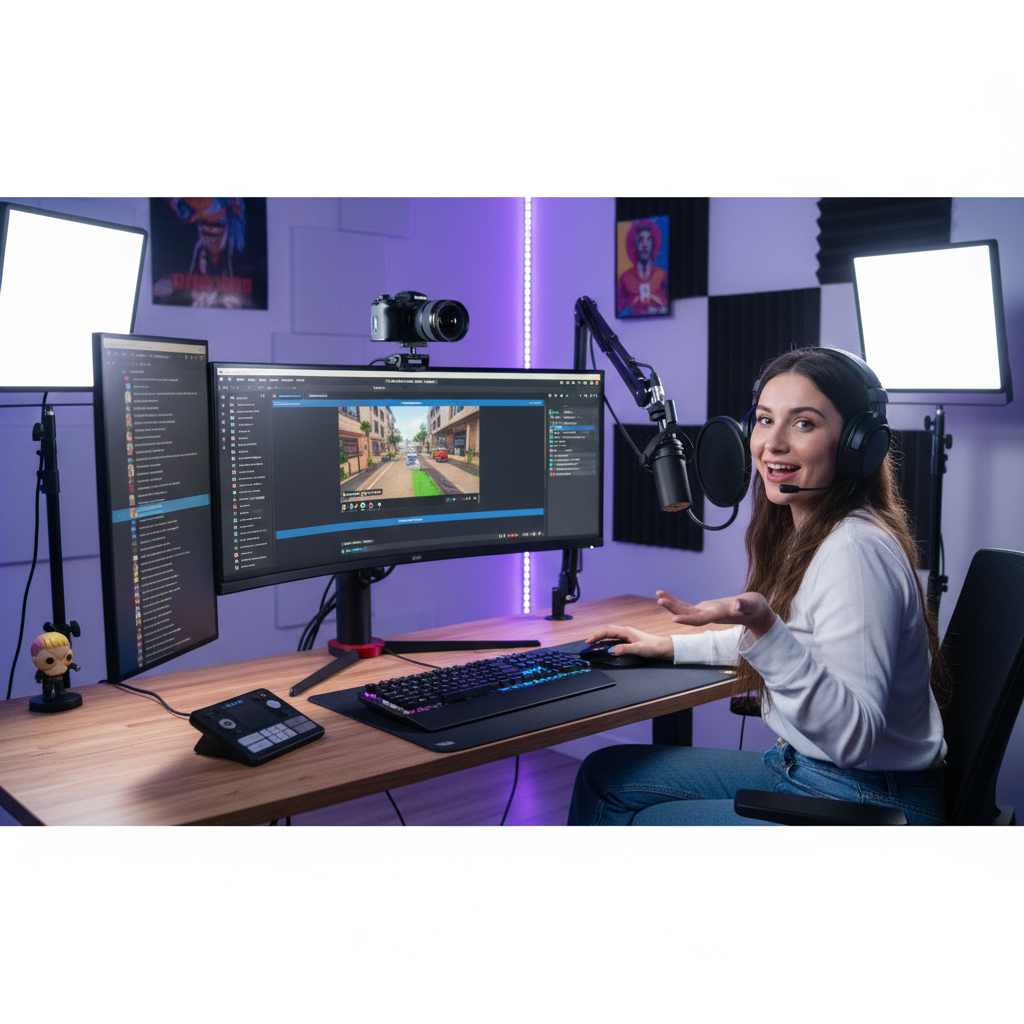
Broadcast Audio Support for Streamers & YouTubers
Independent Routing and Recording Help for Online Creators
Broadcast Audio Support for Streamers & YouTubers
Independent Routing and Recording Help for Online Creators
When you go live, you need everything to work flawlessly — microphone, interface, camera, streaming software, and monitoring. A single routing error can ruin a session or a show.

Audio Support helps streamers and YouTubers achieve reliable, professional-quality sound. Founded by Paul Andrews, a technician and educator with over 15 years’ experience in music and broadcast technology, the service offers one-to-one remote sessions that get your system configured correctly and sounding its best.
Typical sessions cover integrating audio interfaces with OBS Studio or Streamlabs, balancing DAW and system audio, eliminating echo or latency, and creating dependable routing templates for live broadcast or content recording. Each session is efficient, clear, and focused on giving you control and confidence in your setup.
Audio Support is an independent service and is not affiliated with OBS, YouTube, Twitch, or any other manufacturer or platform.
Recent Problems Solved
Real client’s stories from the case study archive
Client’s Question
Why does my Mac get system overload errors with OBS and Logic?
Session Result
System overload solved, stable OBS streaming achieved.
Read Full Case Study Report: Fix Logic Pro CPU Overload Errors When Streaming with OBSFixing Fuzzy High Notes for a Twitch/YouTube Singer
25 November 2025
Client’s Question
Why do I get fuzzy sound in my microphone when I sing high notes?
Session Result
Microphone distortion eliminated; clean, professional vocal chain configured in OBS.
Read Full Case Study Report: Fixing Fuzzy High Notes for a Twitch/YouTube Singer
Client’s Question
Why can’t OBS or my game chat hear my microphone through Elgato Wave Link?
Session Result
Disabled Windows playback device and incorrect input selection resolved, resulting in a fully optimized and functional microphone and headphone audio path for streaming and in-game chat.
Read Full Case Study Report: Elgato Wave Link & OBS: Solving No Microphone Audio in Stream and In-Game ChatRecent Reviews


Let’s Get Your System Running Smoothly.
No automated tickets, no waiting queues — just one-to-one help from an experienced music technology specialist. I’ll connect to your system remotely, identify the issue, and guide you through the fix.
