
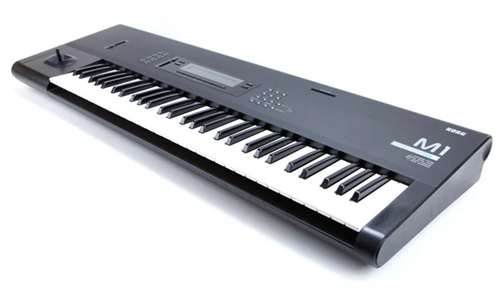
Korg Support
Independent Expert Help for Synths, Keyboards & MIDI Controllers
Korg Support
Independent Help for Korg Instruments & Studio Hardware
Korg synths and controllers are legendary — from the Kronos and Nautilus to the Minilogue, MicroKorg, Volca series, and nano controllers. But firmware updates, USB driver issues, or DAW integration problems can quickly interrupt your creative flow.

I’m Paul Andrews from Audio Support, an independent Korg specialist helping musicians, producers, and educators fix Korg hardware and software issues remotely. Whether you’re struggling to connect your keyboard to your DAW, configuring Korg USB-MIDI drivers, or syncing hardware via MIDI or USB, I’ll get your setup running smoothly again.
While Korg’s official support focuses on warranty and product documentation, I go further — diagnosing your entire system. From MIDI routing and driver setup to DAW integration and library management, I ensure your gear, software, and computer work together perfectly.
Audio Support is an independent service for Korg users and is not affiliated with Korg Inc.
Recent Problems Solved
Real client’s stories from the case study archive
Client’s Question
How to connect multiple hardware synths to Ableton Live?
Session Result
Hybrid synth studio configured and stable in Ableton.
Read Full Case Study Report: Ableton External Hardware Setup: Integrating Synths & ADATPreparing for a Studio Hardware Installation
14 December 2025
Client’s Question
What cables do I need to connect my hardware synths to my mixer?
Session Result
Equipment audited, cable inventory confirmed, site visit planned.
Read Full Case Study Report: Preparing for a Studio Hardware Installation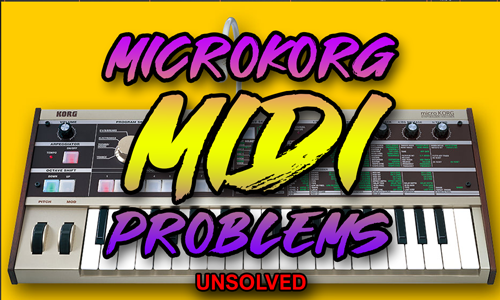
Client’s Question
I’ve got a first-generation MicroKorg and I want its arpeggiator to sync to Logic Pro. I’ve followed tutorials and bought a USB-to-MIDI cable, but the MicroKorg never picks up Logic’s clock and I can’t work out what I’m doing wrong. Also, how do I get Logic to show it as MicroKorg instead of the cable’s name?
Session Result
The MicroKorg now shows by name in Logic, and Logic’s clock and the USB MIDI cable both checked out, but the synth never responded to MIDI. Next step is a DIN MIDI cable test from his keyboard, then a repair if that fails.
Read Full Case Study Report: MicroKorg MIDI Sync Issues in Logic Pro: When the Synth Ignores the ClockRecent Reviews


Let’s Get Your System Running Smoothly.
No automated tickets, no waiting queues — just one-to-one help from an experienced music technology specialist. I’ll connect to your system remotely, identify the issue, and guide you through the fix.
